


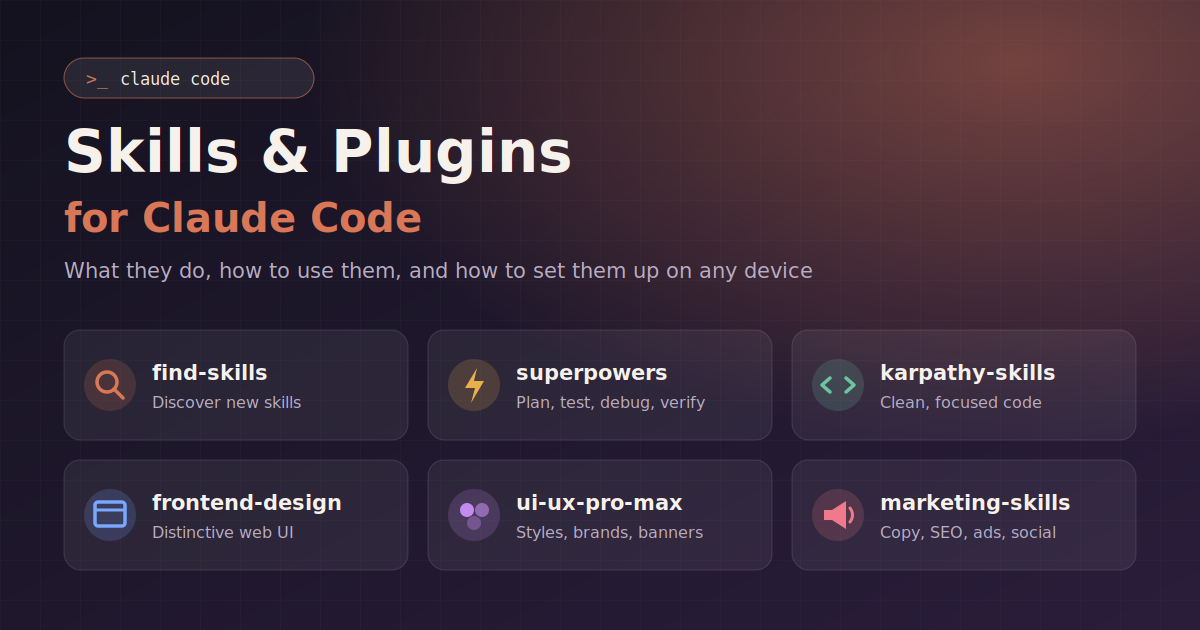
I’ve been setting up Claude Code, Anthropic’s AI coding assistant that runs in the terminal, with a set of skills and plugins. This post covers what each one does, how to use it, what kinds of projects it suits, and how to recreate the same setup on another computer.
First, do skills follow you to other devices?
No, not automatically. Where a skill lives decides where it’s available:
- Personal skills in
~/.claude/skills/exist only on that one machine. - Plugin skills are installed separately on each machine, so you reinstall them with
/pluginon every device. - Project skills in a repository’s
.claude/skills/folder travel with the repo. If you commit them to git, anyone who clones the repo gets them. - Account skills enabled on claude.ai are tied to your account and download to any device where you sign in with that account.
Built-in skills such as code-review, simplify and loop ship with Claude Code, so every install has them.
My setup
| Type | Name | Source |
|---|---|---|
| Personal skill | find-skills | ~/.claude/skills/find-skills/ |
| Plugin | superpowers | anthropic-plugin-directory (obra/superpowers) |
| Plugin | frontend-design | anthropics/claude-plugins-official |
| Plugin | andrej-karpathy-skills | forrestchang/andrej-karpathy-skills |
| Plugin | ui-ux-pro-max | nextlevelbuilder/ui-ux-pro-max-skill |
| Plugin | marketing-skills | coreyhaines31/marketingskills |
How to use them
You rarely need to call these by hand. Skills switch on by themselves when your request matches what they’re for. You can also start one directly by typing / followed by its name, for example /marketing-skills:copywriting.
1. find-skills: a search tool for more skills
What it does: When you ask “is there a skill for X?”, it searches for installable skills and helps you add them.
Try: “Find a skill for editing videos” or “Is there a skill for Laravel?”
Good for: Starting a new kind of project and checking whether someone has already built a skill for it.
2. superpowers: a disciplined way to build software
This is the most important one. It turns Claude from “just write the code” into a careful step-by-step process:
| Step | Skill | What happens |
|---|---|---|
| Idea | brainstorming | Asks what you actually need before anything gets built |
| Plan | writing-plans | Writes a step-by-step plan |
| Build | executing-plans / subagent-driven-development | Works through the plan task by task |
| Quality | test-driven-development | Writes tests first, then the code |
| Bugs | systematic-debugging | Finds the root cause instead of guessing |
| Finish | verification-before-completion, requesting-code-review | Proves the work runs before calling it done |
Try: “Let’s build a tool that syncs Facebook posts to WordPress.” It will brainstorm with you, then plan, then build. For a bug, say “This is broken: [error].”
Good for: Real software projects with more than a few files, such as web apps, automation scripts and APIs.
Downside: It slows down tiny tasks and uses more tokens. For a quick fix, say “skip brainstorming, just do it.”
3. andrej-karpathy-skills: rules that keep coding tidy
What it does: Applies guidelines that stop common AI coding mistakes. It keeps changes small and focused, says what it’s assuming, avoids over-engineering and defines what “done” means.
Try: It mostly runs in the background. You can also say “Follow the Karpathy guidelines” when Claude starts adding too much.
Good for: Any coding, especially changes to existing code you don’t want disturbed.
4. frontend-design: makes pages look designed
What it does: Pushes UI work toward a distinctive look, with deliberate fonts, layout and colour.
Try: “Build a landing page for my business, modern and bold.”
Good for: Websites, landing pages and dashboards that need to look professional.
5. ui-ux-pro-max: a design toolkit
What it does: Comes with a large built-in library: about 50 visual styles, 192 colour palettes, 74 font pairings, UX guidelines and chart types. It also covers specific design jobs:
| Skill | Use it for |
|---|---|
| ui-ux-pro-max | Designing or reviewing any interface (web, mobile, desktop) |
| design-system / ui-styling | Colour and spacing tokens, Tailwind and shadcn components, dark mode |
| brand | Brand voice, visual identity, style guides |
| design | Logos, corporate identity, icons, mockups |
| banner-design | Facebook, Instagram, YouTube and web banners |
| slides | HTML presentations with charts |
Try: “Design a Facebook cover banner for my club.” or “Create a brand style guide for my company.”
Tip: For web projects, use frontend-design and ui-ux-pro-max together. The first sets the creative direction, and the second supplies the detailed choices.
6. marketing-skills: a marketing team on call
It has about 60 skills. The most useful groups:
| Area | Skills | Example request |
|---|---|---|
| Writing | copywriting, copy-editing, emails, sms | “Write homepage copy for my training centre” |
| Social and content | social, content-strategy, video, image | “Plan a month of Facebook posts” |
| SEO | seo-audit, ai-seo, schema, programmatic-seo, site-architecture | “Audit my WordPress site’s SEO” |
| Ads | ads, ad-creative, ab-testing | “Write 10 Facebook ad variations” |
| Conversions | cro, signup, popups, onboarding, pricing, offers | “Why isn’t this landing page converting?” |
| Strategy | marketing-plan, launch, competitor-profiling, customer-research | “Make a 90-day marketing plan” |
| Sales | cold-email, prospecting, sales-enablement | “Write a cold email sequence for B2B clients” |
| Measuring | analytics, attribution | “Set up GA4 conversion tracking” |
Good for: Promoting a business, organization, product or event.
How they work together: an example project
Say you want to build and promote a website for an organization:
- superpowers brainstorms with you and plans the site.
- ui-ux-pro-max and frontend-design create the look: colours, fonts and layout.
- marketing-skills writes the page copy, sets up SEO and plans social posts.
- superpowers and karpathy-skills build it cleanly and check that it works.
- ui-ux-pro-max makes the Facebook and Instagram banners.
- marketing-skills plans the launch and the tracking.
Tips for getting the most out of them
- Say plainly what you want. The more specific you are (“Facebook ad for a youth program, aimed at parents”), the better Claude can pick the right skill.
- Start one directly when you know which you want, for example
/superpowers:brainstorming. - Let superpowers ask its questions. That’s where its value comes from on bigger projects.
- Turn off plugins you’re not using to save tokens, for example
/plugin disable marketing-skills@marketingskills.
Setting up the same plugins on another device
Install Claude Code on the new machine, then run this script:
#!/usr/bin/env bash
# Installs the same Claude Code plugins on a new machine.
set -euo pipefail

# anthropic-plugin-directory is built in, so it is not added here.
for repo in \
  anthropics/claude-plugins-official \
  forrestchang/andrej-karpathy-skills \
  nextlevelbuilder/ui-ux-pro-max-skill \
  coreyhaines31/marketingskills
do
  claude plugin marketplace add "$repo" || true
done

for p in \
  superpowers@anthropic-plugin-directory \
  frontend-design@claude-plugins-official \
  andrej-karpathy-skills@karpathy-skills \
  ui-ux-pro-max@ui-ux-pro-max-skill \
  marketing-skills@marketingskills
do
  claude plugin install "$p" || echo "Failed: $p (install it with /plugin)"
done
Copy personal skills across separately:
scp -r ~/.claude/skills/find-skills otherdevice:~/.claude/skills/Finally, sign in with the same account to get your account-synced skills, and restart Claude Code.