



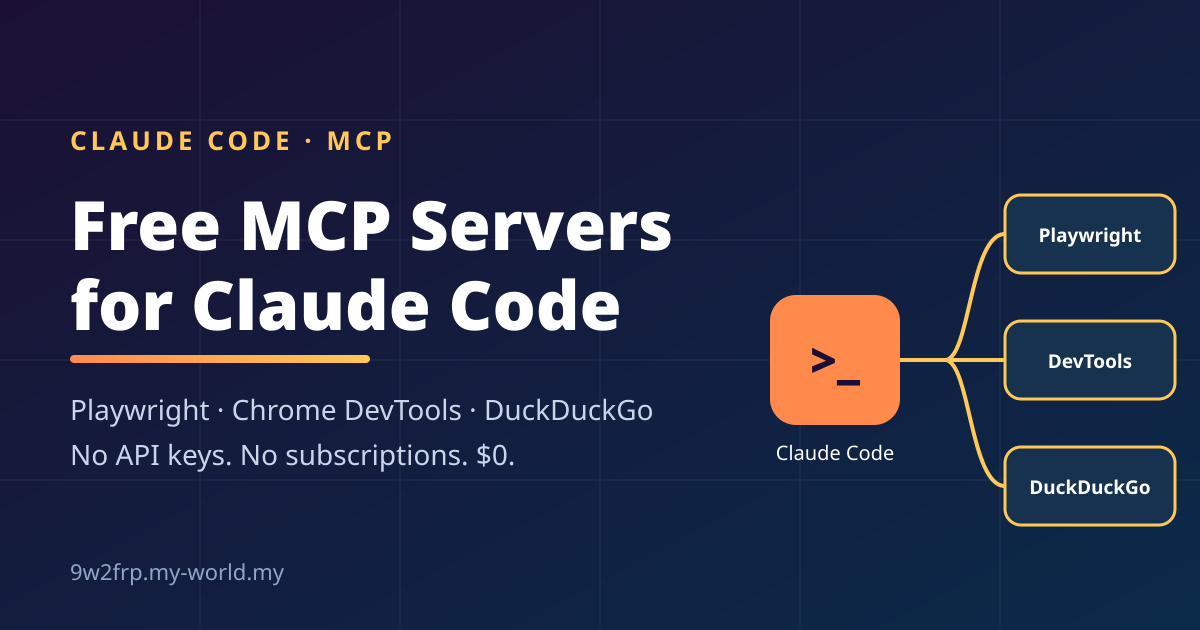
I wanted to give Claude Code more abilities, such as controlling a browser, debugging web pages and searching the web, without paying for anything. This post explains what an MCP server is, whether it suits the web app or the terminal, and exactly which commands I ran on my Linux PC to set up three free servers.
What is an MCP server?
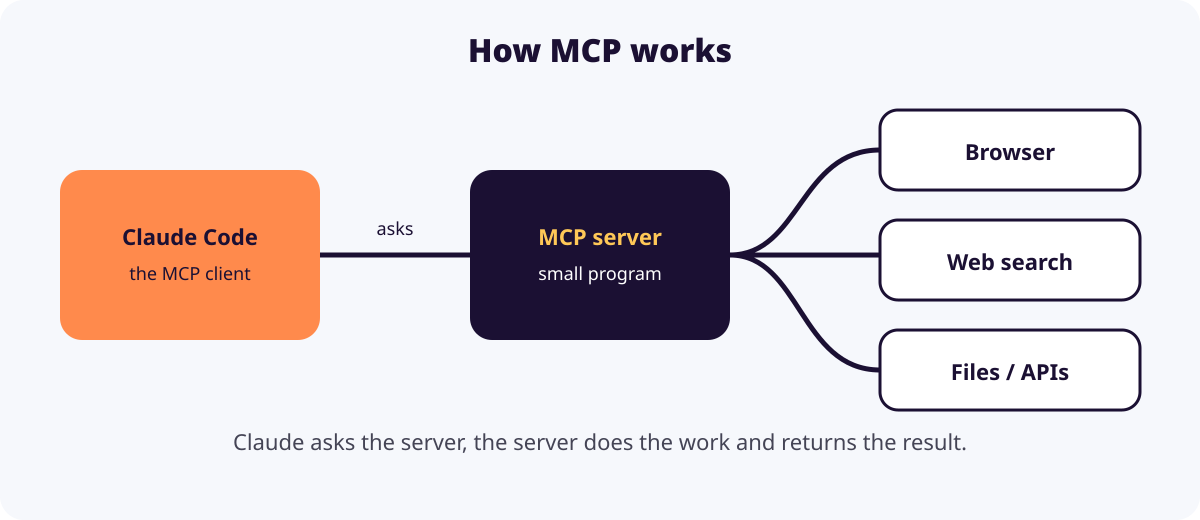
MCP stands for Model Context Protocol, an open standard that lets Claude connect to outside tools and data. An MCP server is a small program or online service that offers those tools to Claude. Claude asks, the server does the work, and the result comes back.
Web app or terminal?
| Terminal (Claude Code) | Web (claude.ai) | |
|---|---|---|
| Local servers (stdio) | Yes | No |
| Remote servers (HTTP) | Yes | Yes, as “connectors” |
| Reaches your files and shell | Yes | No |
| Best for | Development and custom tools | Hosted services such as Google Drive |
The terminal is the more flexible choice because it can start programs on your own machine. The web app can only reach servers that have a public URL.
Step 1: install Node.js
Many MCP servers start through npx, which comes with Node.js. On my CachyOS (Arch-based) PC it was missing, so the servers failed with ENOENT: npx. I fixed it with:
sudo pacman -S nodejs npm
Step 2: add the servers
Each server is added with one claude mcp add command. The --scope user flag makes it available in every project.
claude mcp add --scope user playwright -- npx -y @playwright/mcp@latest
claude mcp add --scope user chrome-devtools -- npx -y chrome-devtools-mcp@latest
claude mcp add --scope user duckduckgo -- npx -y duckduckgo-mcp-server
Check them with:
claude mcp list
All three showed as Connected. Restart Claude Code afterwards so the new tools appear.
What each one does
- Playwright controls a real browser. Claude can open pages, click, fill forms and take screenshots, which is useful for testing or automating websites.
- Chrome DevTools lets Claude debug pages: read the console and network requests, check performance and run audits.
- DuckDuckGo gives Claude web search with no API key.
Why I skipped the paid ones
I first planned to install Perplexity, Firecrawl and Higgsfield as well. But I don’t have a budget for paid AI services, so I removed or skipped them:
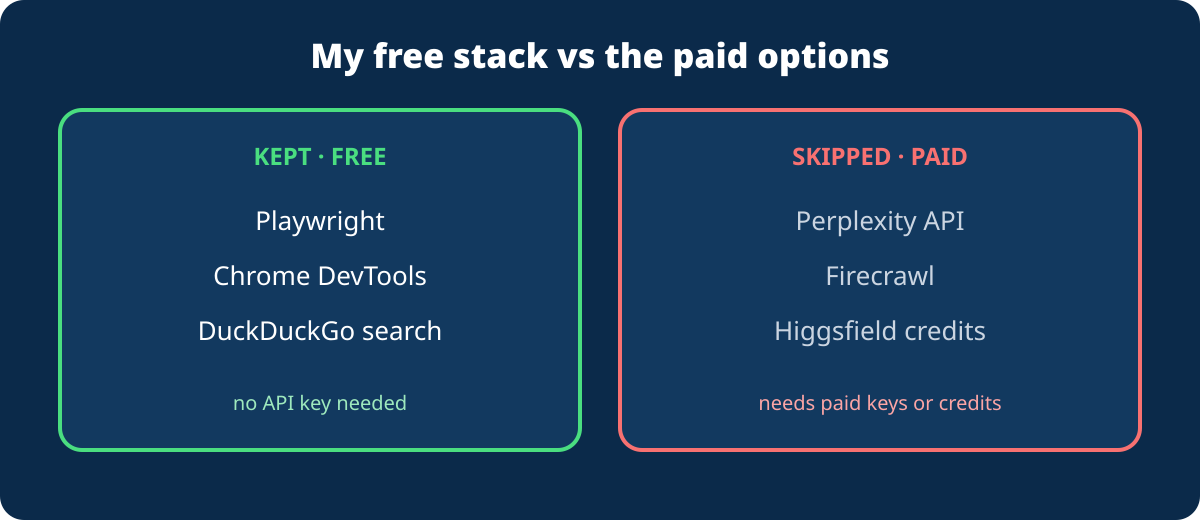
- Perplexity needs a paid API key.
- Firecrawl needs an API key, and its useful usage is paid.
- Higgsfield generates images and video using paid credits. I had added it, then removed it with
claude mcp remove higgsfield -s user.
Playwright can already open and read web pages, so I don’t miss Firecrawl for basic scraping.
Lessons learned
- Check Node.js first. Without
npx, every npm-based server fails. - Restart Claude Code after adding a server. My session did not show Higgsfield in
/mcpuntil I restarted. - Remote servers use a browser sign-in, local ones use API keys. Higgsfield needed OAuth, while Perplexity and Firecrawl need keys.
- Treat community packages with care. The DuckDuckGo package is small and early (version 0.1.2), and I did not read its code. Look at the package page before trusting it with anything sensitive, and expect DuckDuckGo to rate-limit heavy use.
Quick reference
| Command | What it does |
|---|---|
claude mcp list |
Show servers and their status |
claude mcp add --scope user NAME -- COMMAND |
Add a local server |
claude mcp add --transport http NAME URL |
Add a remote server |
claude mcp remove NAME -s user |
Remove a server |
/mcp |
Manage and sign in to servers inside Claude Code |
If you also want to extend Claude Code with skills and plugins, read my earlier post: Claude Code Skills & Plugins: What They Do and How to Use Them.